Count on us to download the Volkswagen Vento owner’s manual as a free PDF. You do not need to do any sign-up or payment. No software required. You can open the Volkswagen Vento PDF owner manual in your browser and read it online. You can also print or save it to your device for offline use. Every manual is available in PDF format, so you can zoom, search, and jump to any section in seconds. Whether you just bought a used Volkswagen Vento or you lost the original book, the free PDF download gives you the same official information in a clean, readable file.
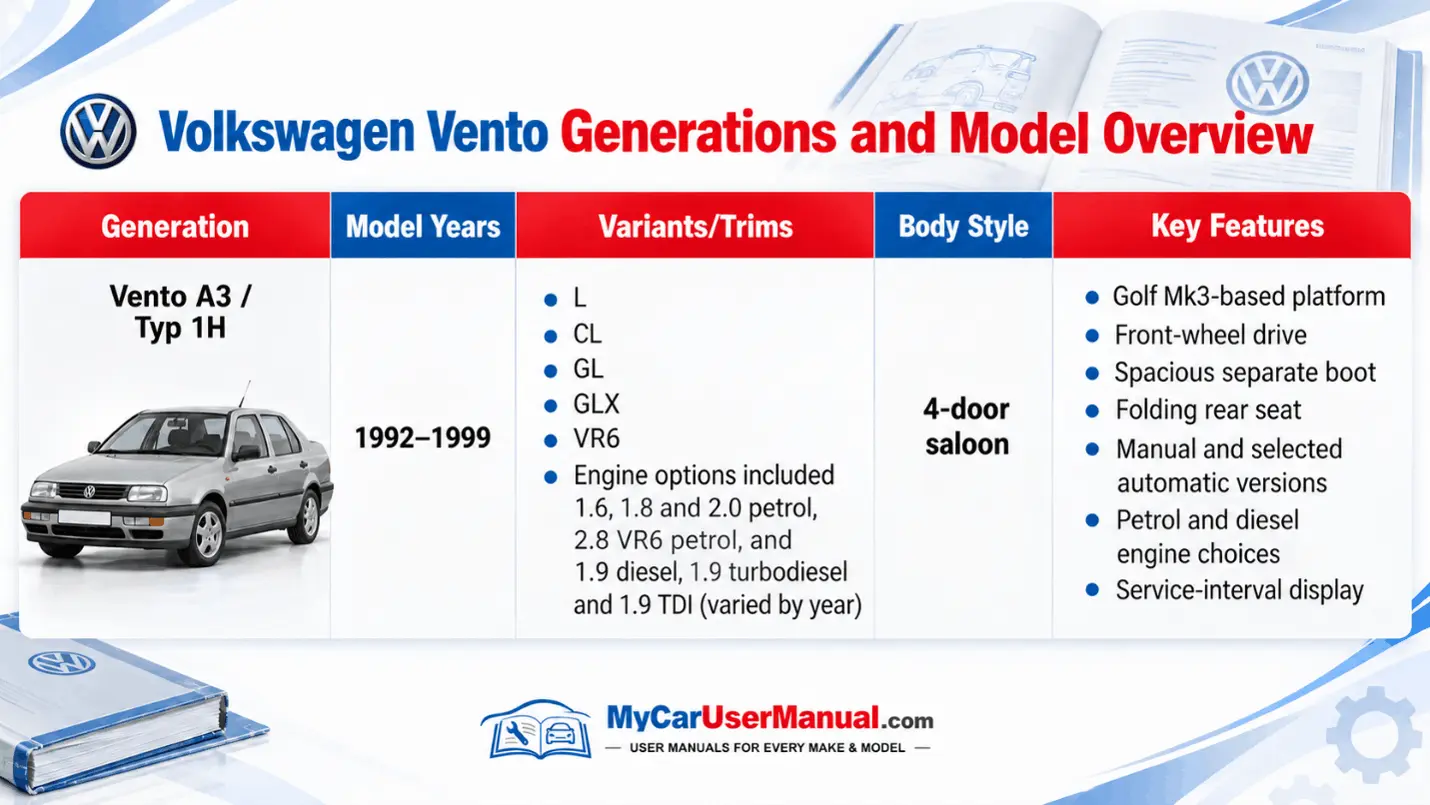
The manuals are grouped by Volkswagen Vento year and model. You can choose the exact manual easily from the library. This keeps the information accurate for your engine, features, and equipment level. You do not need to guess which instructions apply to your Vento. Simply select the correct year and variant, then download or view the PDF. We continuously add the new VW owner manuals and correct old links. You can get an up-to-date collection without needing to buy anything.
You can view every available Volkswagen Vento PDF owner manual online without downloading the file first. Just open the manual in your browser, scroll through the pages, and use the built-in PDF tools to search for any term, from “service interval” to “air conditioning.” Free PDF viewing works on desktop, laptop, tablet, and smartphone, so you can keep the Volkswagen Vento manual open next to you while you sit in the car and follow the instructions. This makes it easy to match buttons, icons, and warning lights with the explanations on the page.
All generations and model years of the VW Vento are arranged in a clear list. It allows you to move from older Vento manuals to newer Vento manuals in one place. If you upgrade your car, you do not need a new website; you just switch to the correct PDF owner's manual for your new Vento year. We focus on full, complete PDF manuals, not short summaries, so you see all sections, diagrams, and safety notes. When a new Volkswagen Vento manual becomes available, we add it to the library. So you will get the updated PDF files for the entire Vento range.
The Volkswagen Vento owner’s manual explains every control and feature inside the car. It covers dashboard layout, instrument cluster symbols, steering wheel buttons, stalks, lighting controls, climate control, and the infotainment or audio system. Each section shows the function of each button. It tells how to switch between driving modes, how to start the clock, how to pair your phone, and how to adjust seat and mirror positions. The manual also explains warning lights and status messages. It helps you know whether the light means a simple reminder or a serious system fault that needs attention.
The VW Vento PDF owner manual also includes full guidance on maintenance, fluids, and basic care. You will see recommended engine oil types and capacities, coolant information, tyre sizes and pressures, and the correct torque for wheel bolts. There are diagrams for the fuse box layout, bulb types, and wiper blade sizes, so you can carry out small jobs without guessing. Service schedule tables show when to change oil, filters, brake fluid, and other parts, based on distance or time. With this information, the manual becomes the main reference for safe use, routine maintenance, and correct troubleshooting.
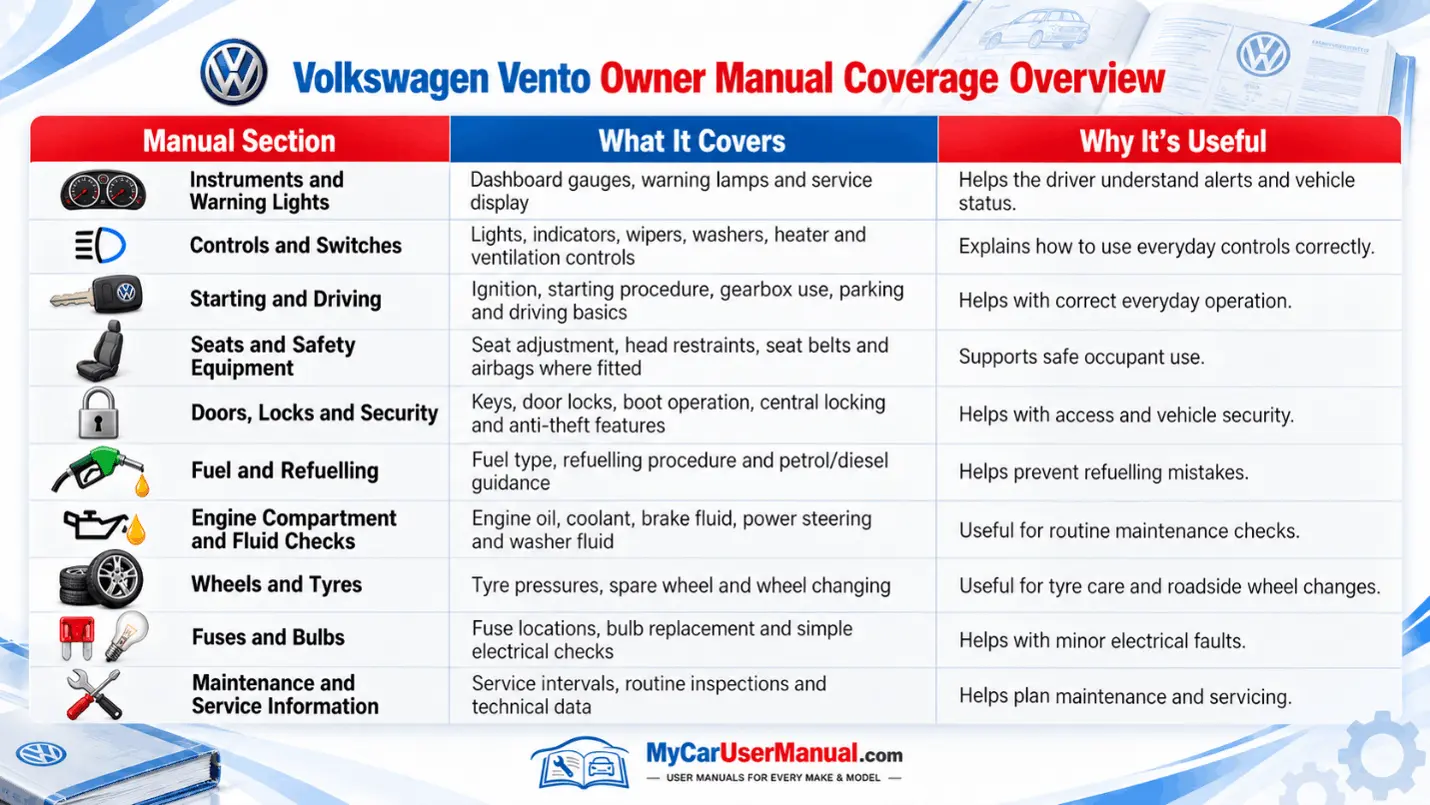
Always start with the table of contents and index to navigate the VW Vento owner’s manual. The first pages list all main chapters, such as “Controls,” “Driving,” “Infotainment,” “Lights and Vision,” “Emergency and Breakdown,” and “Technical Data.” You can jump directly to a page number instead of flipping through the entire book. The index at the back of the manual lists specific terms like “ABS,” “ESP,” “child seat,” or “start/stop system,” along with page references. It makes it fast to locate a single feature or problem.
In the Vento PDF owner manual, you can also use the search function. Type a keyword such as “tyre pressure,” “airbag,” or “battery,” and the viewer will highlight every match in the document. This method is more precise than browsing, especially when you need a quick answer. You can add bookmarks in your PDF app for pages you use often. You can also save the manual on your phone or tablet. It keeps these bookmarks ready, so you can open the exact section you need in a few taps.
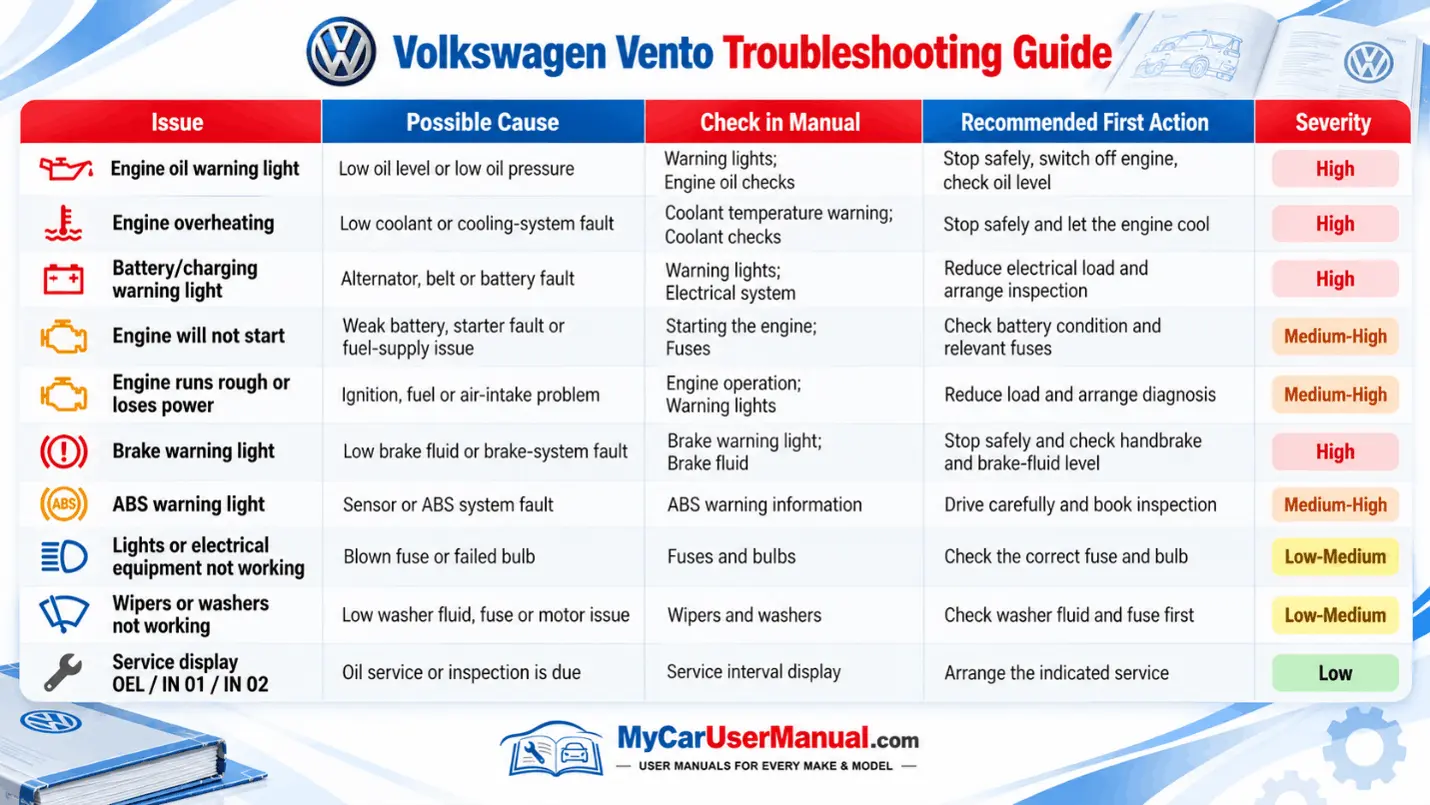
The Volkswagen Vento owner’s manual is a practical tool for troubleshooting common issues. You can solve most of the problems yourself before visiting a workshop. If you see a warning light on the dashboard, you can know the meaning of the symbol and the level of risk by using the manual. It tells you whether you can continue driving, whether you should drive carefully to a service center, or whether you must stop the car at once. For problems like the engine not starting, doors not locking, windows not moving, or the air conditioning not cooling, the owner's manual gives step-by-step checks, such as verifying key battery status, fuses, and simple settings.
Many Volkswagen Vento issues are due to incorrect settings or missed details instead of serious faults. The user manual helps you reset the infotainment system, adjust clock and language settings, calibrate tyre pressure monitoring after changing tyres, or re-sync remote keys. For electrical problems, the fuse charts and relay layout diagrams show which circuit protects each system. It helps you inspect and replace a blown fuse safely. By following the troubleshooting guidance in the owner’s manual first, you can often solve small problems yourself. You can avoid unnecessary costs and speak more clearly with technicians when professional repair is required.